
Photo and Signature Size for Online Exam Forms (2026): What Changed and How to Resize
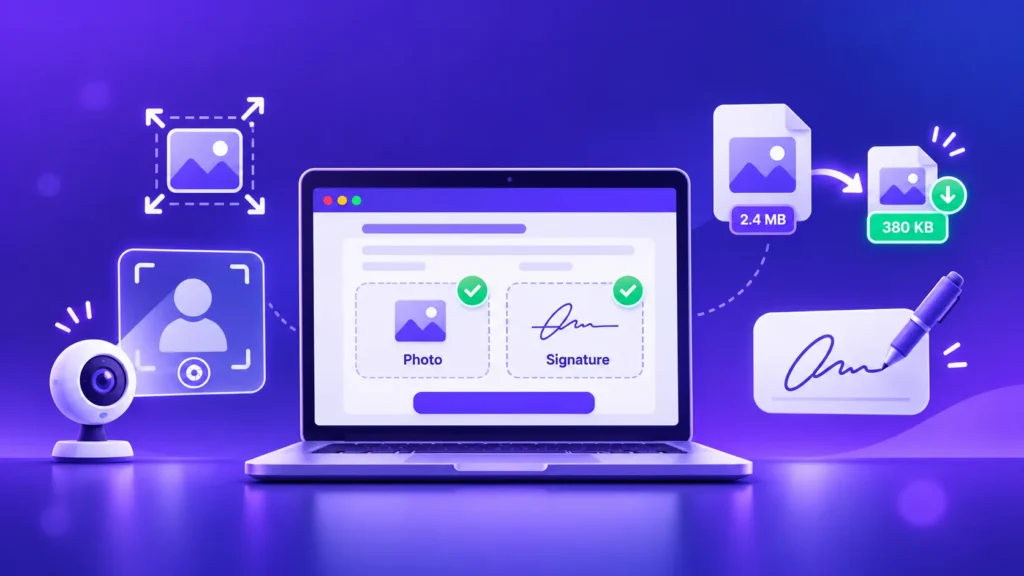
Filling an online government exam or job application and stuck on the photo and signature upload? It trips up lakhs of applicants every year, and in 2026 the rules have quietly changed: many exams now capture your photo live, while your signature still needs an exact file size. Here’s what changed, the sizes you need, […]
How to Convert PNG to WebP in Bulk (Free, Keeps Transparent Backgrounds)
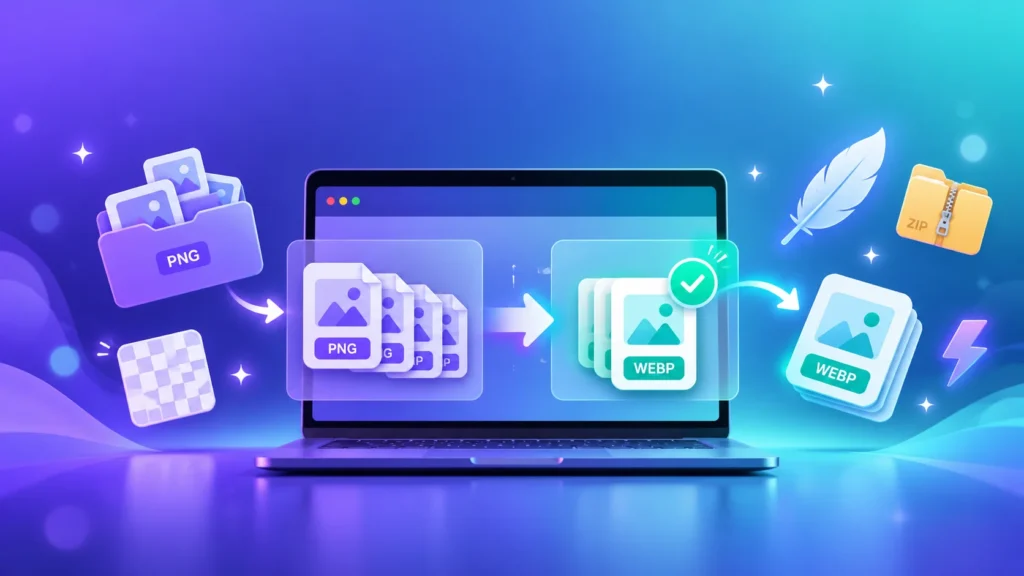
Got a folder full of PNG logos, banners, product shots or screenshots that are too heavy for your website? Converting PNG to WebP can make them smaller while keeping transparent backgrounds, but doing it one image at a time takes forever. Here’s how to convert a whole batch in your browser, what quality to choose, […]
How to Turn Off HEIC on iPhone and Shoot JPG Instead (2026)
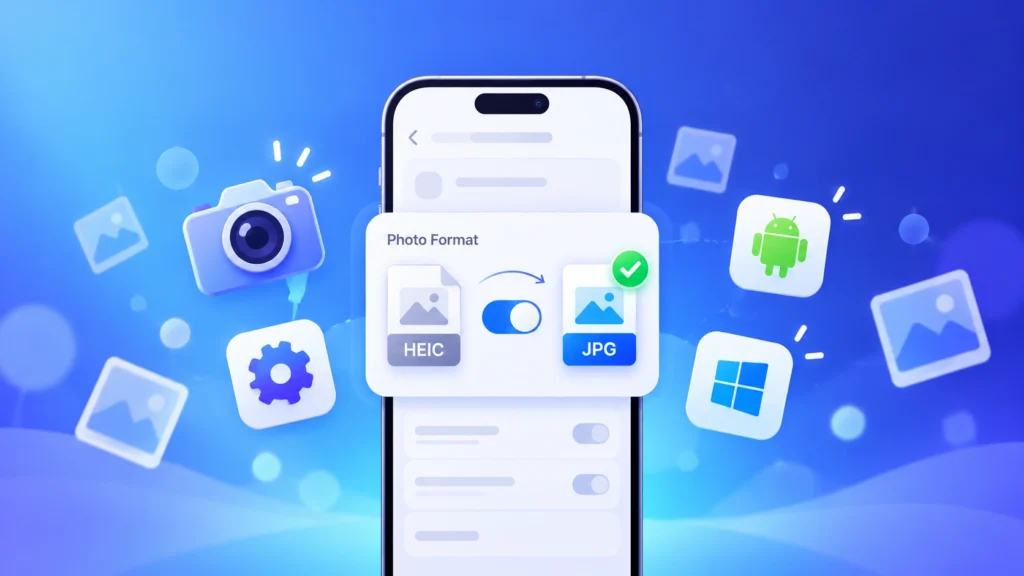
Ever tried to open an iPhone photo on a Windows PC, upload one to a job form, or send it to an Android friend, only to find it won’t open? That’s because your iPhone saves photos as HEIC instead of JPG. Here’s how to switch your camera to JPG in a few taps, how to […]
Best Image Format for Screenshots: We Tested 8 Formats (and Built a New One)

Screenshots are everywhere: payment proofs, chat backups, bug reports, tutorials. But a single full-screen screenshot on a laptop can easily be 400 KB to 1.7 MB, and they pile up fast. So what is the best image format for screenshots? We tested 8 formats on 22 real screenshots, checked every result pixel by pixel, and […]
Why Do My Images Keep Saving as WEBP? (How to Open & Stop It)
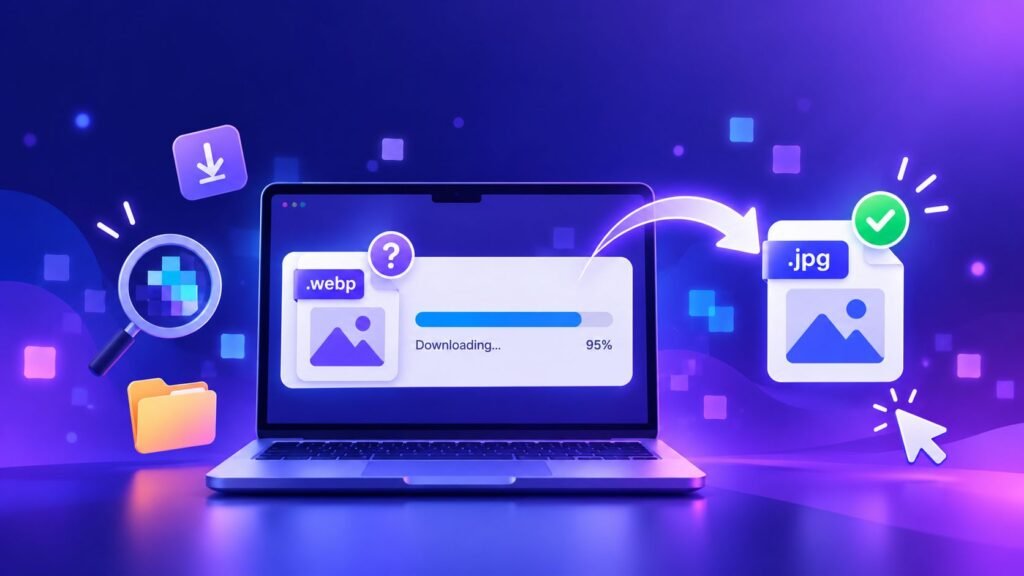
You right-click an image, hit “Save”, and it lands on your computer as a .webp file that won’t open in your editor, won’t upload to a form, and won’t send properly. Or your phone’s screenshots and downloads keep saving as WEBP instead of the usual JPG or PNG. It’s one of the most annoying little […]
Halloween Photos Look Dark & Blurry? 7 Phone Tricks That Actually Work (2026)
Halloween is one of the hardest nights of the year to photograph: it’s dark, everyone’s moving, and the best costumes come out after sunset. That’s why so many Halloween photos end up grainy, blurry or full of orange-tinted shadows — then get cropped or crushed when you post them. Here are 7 phone tricks that […]
Compress Image to 20KB, 50KB, 100KB or 200KB for Online Forms (Free)
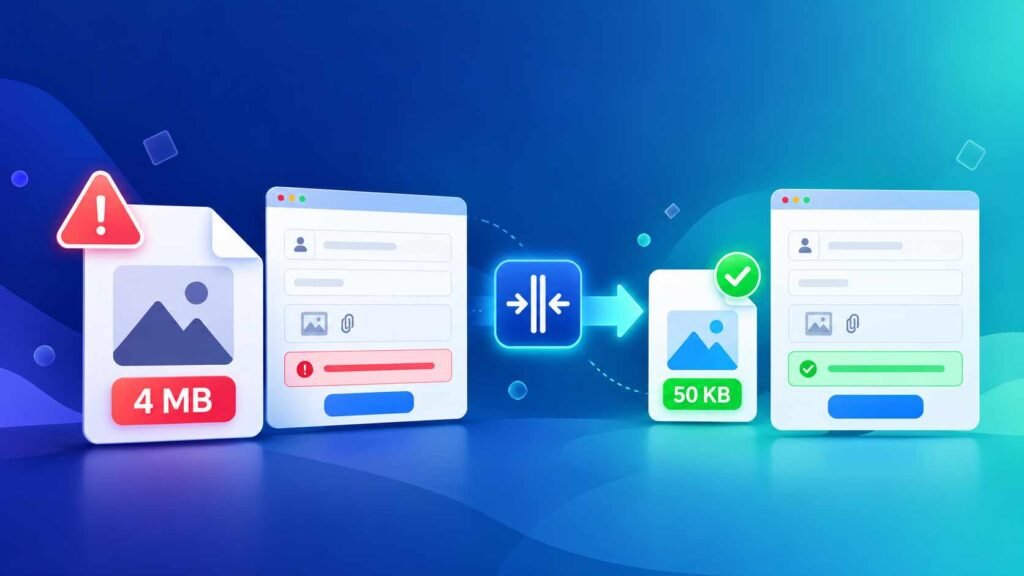
The form says “Photo must be under 50KB” — and your phone photo is 4MB. Sound familiar? Job portals, exam forms, college admissions and government websites all set strict file size limits. Here’s how to compress an image to exactly 20KB, 50KB, 100KB or 200KB for free, in seconds, without making your photo look blurry. […]
Why Your Photos Look Too Bright on Instagram (and Dull on WhatsApp): HDR Photos Explained
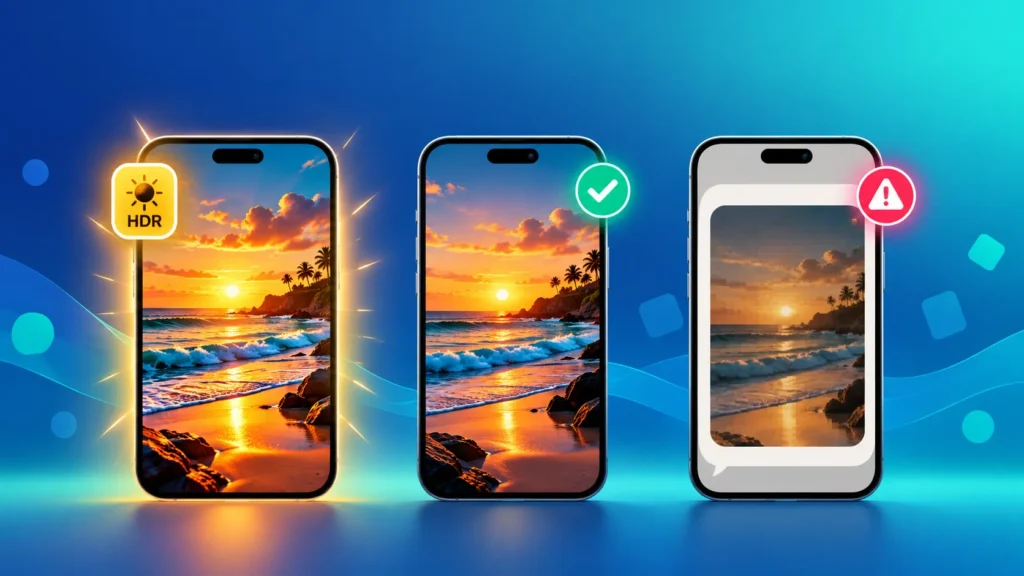
Ever posted a photo that looked blinding on Instagram, maybe even with an HDR label on it, then sent the same photo on WhatsApp and watched it turn flat and dull? You’re not imagining it. Your phone is shooting HDR photos — and every app, screen and file format handles them differently. Here’s what HDR […]
Diwali 2026: 5 Mistakes That Make Your Diwali Photos Blurry on WhatsApp & Instagram (and the 10-Second Fix)
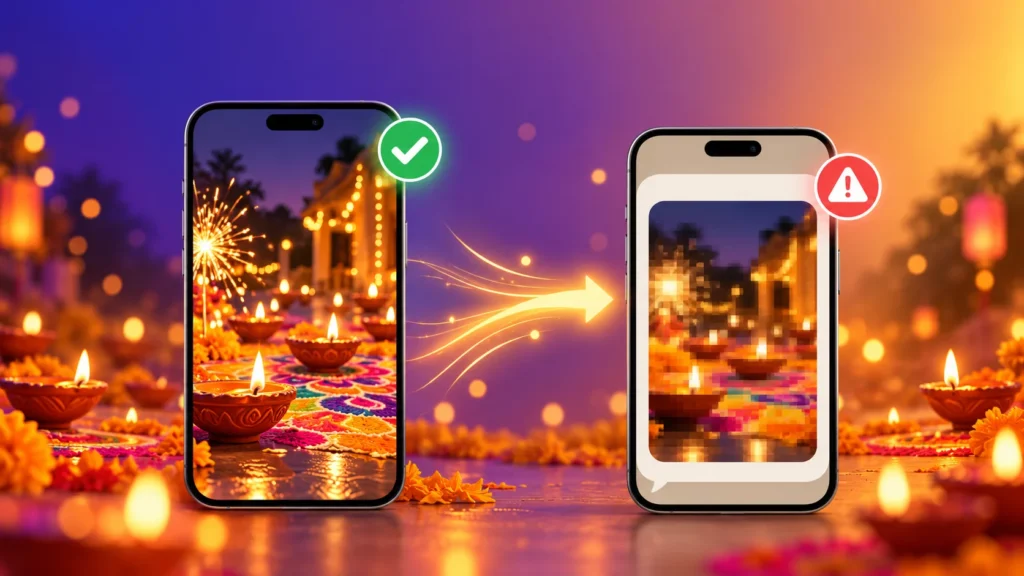
Diwali is the most photographed night of the year in India — diyas, rangoli, sparklers, family in new clothes. Then you send those photos on WhatsApp, and they arrive blurry, grainy or weirdly cropped. Here are the 5 most common mistakes that ruin Diwali photos on WhatsApp and Instagram, and how to fix each one […]
Convert Many Image Formats to JPG in Seconds for Free (WEBP, AVIF, HEIC, PNG & More)
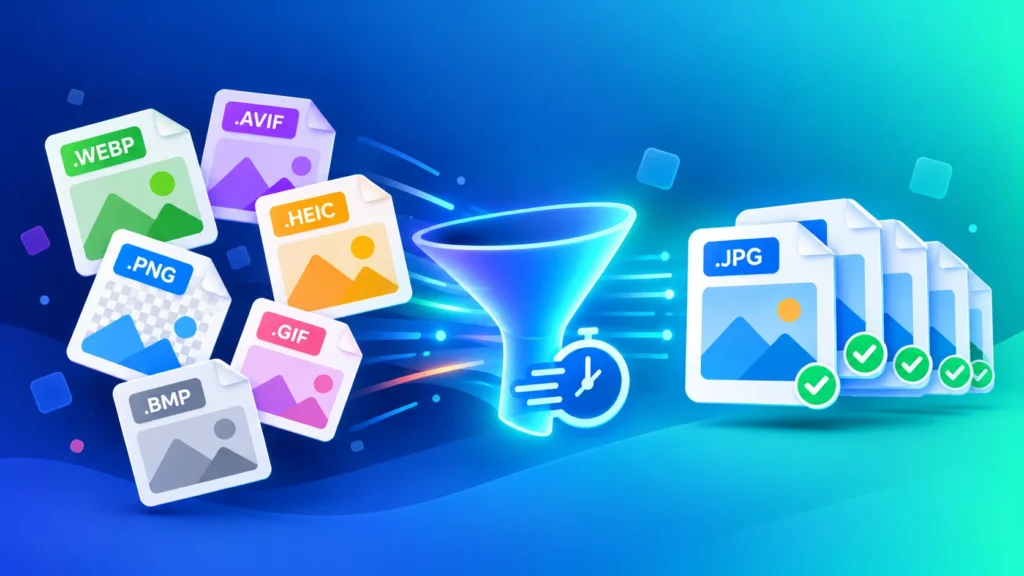
Your downloads folder probably looks like a format zoo: .webp from websites, .avif from Chrome, .heic from your iPhone, a .png screenshot and maybe an old .bmp. In 2026, images come in more formats than ever — but most apps, forms and people still just want a JPG. Here’s how to convert many image formats […]