
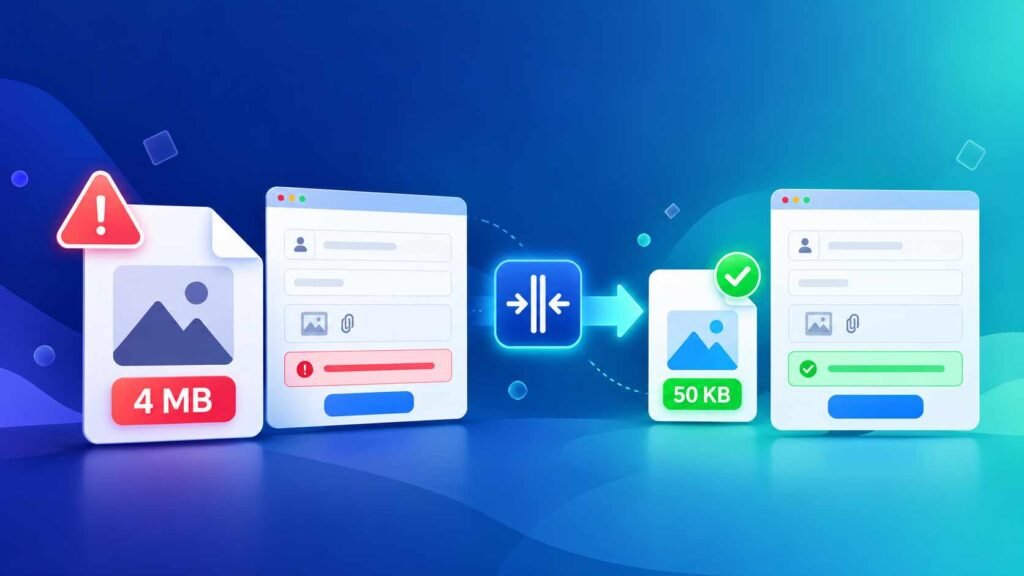
The form says “Photo must be under 50KB” — and your phone photo is 4MB. Sound familiar? Job portals, exam forms, college admissions and government websites all set strict file size limits. Here’s how to compress an image to exactly 20KB, 50KB, 100KB or 200KB for free, in seconds, without making your photo look blurry.
Why Online Forms Reject Your Photo
Phone cameras take huge photos — often 3MB to 8MB each. Online application forms, on the other hand, usually accept only small files, often between 10KB and 200KB. They do this to keep uploads fast and their servers light.
If your photo is too big, the form shows errors like:
- “File size exceeds the maximum limit”
- “Photo should be between 20KB and 50KB”
- “Invalid file format. Only JPG/JPEG allowed”
The fix is simple: reduce the photo’s file size in KB, and make sure it’s a JPG.
Common Size Limits for Online Forms
Every form sets its own rules, but most fall into these typical ranges:
| What You’re Uploading | Typical Size Limit | Usual Format |
|---|---|---|
| Passport-size photo | 20KB – 50KB | JPG / JPEG |
| Signature | 10KB – 20KB | JPG / JPEG |
| Left thumb impression | 10KB – 50KB | JPG / JPEG |
| Documents and certificates | 100KB – 300KB | JPG or PDF |
| Profile photos on job portals | Up to 200KB – 2MB | JPG / PNG |
Always check the official notification of your form — it lists the exact size in KB and the pixel dimensions required.
How to Compress an Image to 20KB, 50KB, 100KB or 200KB
- Open our free Image Compressor.
- Drop in your photo.
- Lower the quality slider and watch the new file size update.
- Stop when the size is just under your limit (for example, 45KB for a 50KB limit).
- Download your compressed JPG and upload it to the form.
Everything happens in your browser, so your photo, signature and documents are never uploaded to any server. That matters when you’re working with ID photos and personal documents.
Can’t Get Small Enough? Resize First
Quality alone can only do so much. A 4000-pixel-wide photo will struggle to reach 20KB without looking blocky. The trick is to reduce the dimensions first, then compress:
- Use the Image Resizer to set the size your form asks for (for example, 200 × 230 pixels for many passport-style photos).
- Then compress it with the Image Compressor.
A smaller image needs far fewer kilobytes, so it stays sharp even at 20KB.
Quick Guide: Which Settings for Which Size?
| Target Size | Good Starting Dimensions | Suggested Quality |
|---|---|---|
| Under 20KB | About 200–300 px wide | 60–75% |
| Under 50KB | About 400–600 px wide | 65–80% |
| Under 100KB | About 800–1000 px wide | 70–80% |
| Under 200KB | About 1200–1600 px wide | 75–85% |
These are starting points — every photo is different. Plain backgrounds compress much more easily than busy ones.
How to Reduce Signature Size to 20KB or 10KB
Signatures are the easiest to shrink because they’re mostly white space:
- Sign in black or dark blue ink on plain white paper
- Photograph it in good light, then crop tightly around the signature
- Resize to the dimensions your form asks for (often around 140 × 60 pixels)
- Compress to just under the limit
Photo Is in HEIC, PNG or WEBP? Convert It to JPG First
Most forms only accept JPG/JPEG. If your photo came from an iPhone (HEIC), a screenshot (PNG) or a website (WEBP), convert it first with our Image Converter, then compress it. Have several files in different formats? You can convert many image formats to JPG at once.
Mistakes That Get Your Photo Rejected
- Renaming .png to .jpg — this doesn’t convert the file, and many forms detect it
- Taking a screenshot of your photo — it lowers quality and adds borders
- Compressing too far — blurry faces and unreadable signatures can be rejected
- Wrong dimensions — some forms check pixel size as well as file size
- Busy backgrounds — use a plain light background for photos
Frequently Asked Questions
How do I compress an image to 50KB?
Open the Image Compressor, drop in your photo and lower the quality until the size shows just under 50KB. If it won’t get that small, resize it to around 400–600 pixels wide first.
How do I reduce photo size in KB without losing quality?
Resize the photo to the dimensions your form needs, then compress at 70–80% quality. A smaller image keeps its sharpness even at a small file size.
How can I compress an image to 20KB?
Resize the photo to about 200–300 pixels wide, then compress it. Plain backgrounds make 20KB much easier to reach.
Can I compress images on my phone?
Yes. The Image Compressor works in any mobile browser on Android and iPhone — no app needed.
Is it safe to compress my ID photo and documents online?
With ImgFormats, yes. Your files are processed on your own device and are never uploaded, stored or shared.
Why does the form say my JPG is invalid?
The file might not be a real JPG (for example, a renamed PNG or HEIC). Convert it properly with the Image Converter, then compress it again.