
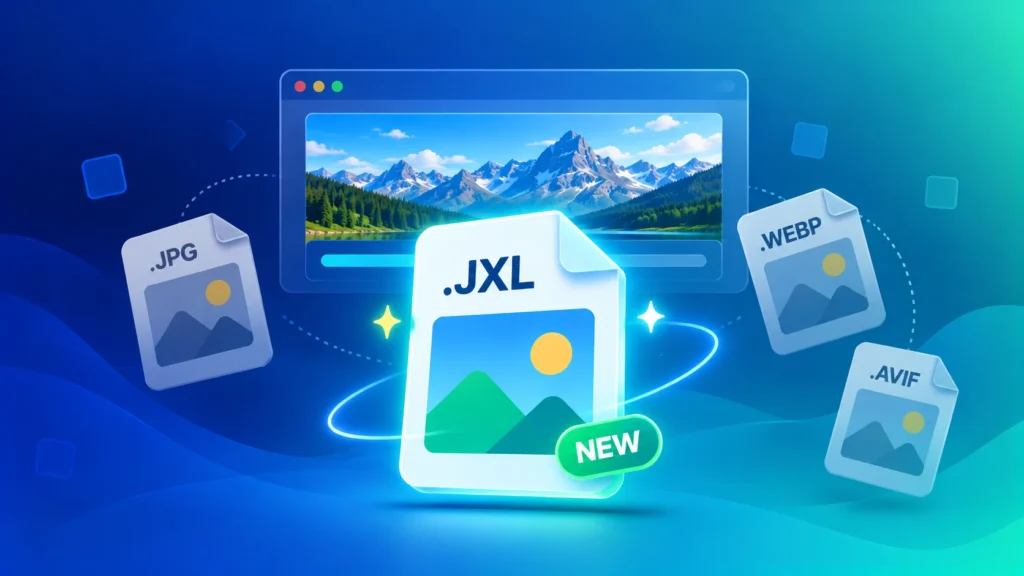
After years of back and forth, Google has finally added JPEG XL support to Chrome. If you’ve never heard of .jxl files, you soon will. Here’s what JPEG XL is, why everyone’s talking about it, and what it actually means for your photos, your website and the files you download.
What Is JPEG XL?
JPEG XL (file extension .jxl) is a next-generation image format designed to replace the classic JPEG. It makes photos 30-50% smaller than JPG at the same quality, and it adds features JPG never had:
- Lossless compression — keep every pixel, like PNG, but in a smaller file
- HDR support — brighter highlights and richer colours on modern screens
- Progressive loading — a sharp preview appears almost instantly, then fills in detail
- Lossless JPEG recompression — shrink existing JPG files without losing a single pixel, and turn them back into the exact original JPG anytime
Why Is JPEG XL Trending Right Now?
JPEG XL has had a dramatic history. Chrome tested it back in 2021, then removed it in 2022, saying there wasn’t enough interest. Developers and photographers pushed back hard, and the format kept growing anyway — Safari added support, and requests kept piling up.
In 2026, Google reversed its decision. In October 2026, the Chrome team announced that Chrome 155 supports JPEG XL, using a new, security-focused decoder. Since Chrome is the world’s most-used browser, JPEG XL suddenly went from niche format to real contender.
JPEG XL vs AVIF vs WEBP vs JPG: Quick Comparison
| Format | File Size vs JPG | Lossless Option | HDR | Works Everywhere? |
|---|---|---|---|---|
| JPG | Baseline | No | No | Yes |
| WEBP | Smaller | Yes | No | All modern browsers |
| AVIF | Much smaller | Yes | Yes | Modern browsers, limited apps |
| JPEG XL | 30-50% smaller | Yes | Yes | Newest browsers only — still rolling out |
In short: AVIF is often the best choice for small web images, JPEG XL shines for high-quality photos and lossless files, and JPG is still the safest choice for sharing.
What JPEG XL Means for You
If you just share and download photos
Not much changes today. But just like AVIF and WEBP before it, you’ll gradually start seeing .jxl files when you save images from websites. If one won’t open in your photo app or upload to a form, the fix is the same as always: convert it to JPG.
If you run a website
Don’t switch everything to JPEG XL yet. Older browsers, many apps and some devices still can’t display it. For now, the smartest setup is:
- Use WEBP as your everyday web format — convert with our JPG to WEBP and PNG to WEBP converters
- Compress images to 70-85% quality with our Image Compressor (see our compression guide)
- Treat JPEG XL as an extra format to test, not a replacement, until support is universal
If you’re a photographer
This is where JPEG XL gets exciting. It handles high-detail, high-quality and HDR photos better than any other web format, and its lossless mode means you can store archives in smaller files without giving up quality.
Which Browsers Support JPEG XL in 2026?
- Chrome — supported from version 155
- Safari — supported (some advanced features missing)
- Firefox — available as an experimental option you can turn on in settings
- Edge — built on Chromium, so expected to follow Chrome
Outside browsers, support is still catching up. On Windows 11, you may need the free JPEG XL extension from the Microsoft Store before .jxl files open in the Photos app.
Should You Convert Your Images to JPEG XL Now?
Not yet, for most people. JPEG XL is promising, but a format is only useful when everyone can open it. Here’s a simple rule for 2026:
- Sharing, WhatsApp, forms, printing → JPG
- Your website → WEBP or AVIF
- High-quality archives and photography → worth experimenting with JPEG XL
Need to switch between formats today? Our Image Converter handles JPG, PNG, WEBP, AVIF, HEIC and more — free, in your browser, with no uploads.
Frequently Asked Questions
What is a .jxl file?
A .jxl file is an image saved in the JPEG XL format. It’s a newer, more efficient version of JPEG that creates smaller files with the same or better quality.
Does Chrome support JPEG XL?
Yes. Google added JPEG XL support starting with Chrome 155, announced in October 2026.
Is JPEG XL better than AVIF?
It depends on the job. AVIF is excellent for small, compressed web images. JPEG XL is especially strong for high-quality photos, lossless images and HDR. Google itself recommends trying both.
Is JPEG XL better than JPG?
Technically, yes — files are 30-50% smaller at similar quality, with lossless and HDR options. But JPG still opens everywhere, so it remains the safest format for sharing.
How do I open a JPEG XL file on Windows?
Open it in an up-to-date Chrome browser, or install the free JPEG XL extension from the Microsoft Store so the Photos app can display it.
Will JPEG XL replace JPG?
Possibly, over time. With Chrome and Safari both supporting it, JPEG XL has its best chance yet — but JPG will stay around for years because every device and app already supports it.