
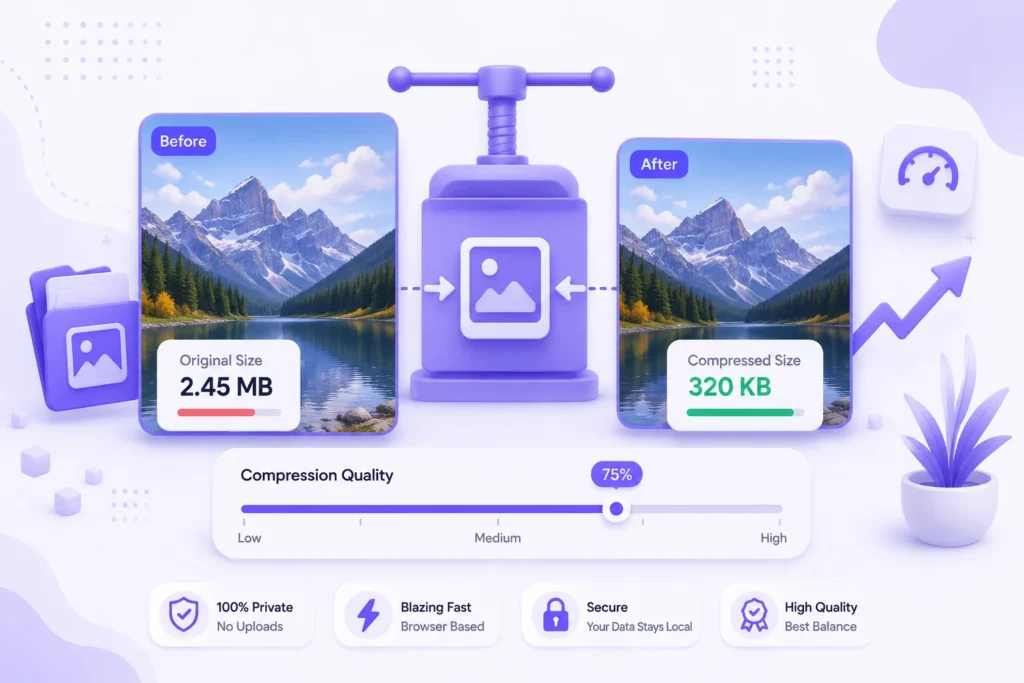
Everyone says “compress your images” — but how much smaller can a file actually get, and at what point does quality start to suffer? Here’s the real breakdown.
How Image Compression Actually Works
Image compression works in one of two ways:
- Lossless compression (used by PNG) — reduces file size without discarding any image data. Limited savings, typically 10-30%.
- Lossy compression (used by JPG, WEBP, AVIF) — selectively discards image detail that’s hard for the human eye to notice, allowing much larger size reductions — often 50-90%.
Most everyday compression tools, including our Image Compressor, use adjustable lossy compression, letting you control exactly how much quality to trade for file size.
How Much Can You Realistically Compress an Image?
| Quality Setting | Typical Size Reduction | Visible Quality Loss |
|---|---|---|
| 90-100% | 10-20% smaller | None |
| 70-90% | 40-60% smaller | Rarely noticeable |
| 50-70% | 60-80% smaller | Slight, mostly in fine detail |
| Below 50% | 80-90%+ smaller | Noticeable, best avoided for photos |
For most use cases — website images, email attachments, form uploads — a quality setting of 70-85% gives the best balance: a large size reduction with almost no visible difference.
Common Reasons People Need to Compress Images
- Website speed — large images are the #1 cause of slow page loads, directly affecting Google’s Core Web Vitals and search ranking
- Form and application uploads — many job application or government forms cap file size at 200KB-1MB
- Email attachments — most email providers cap attachments around 25MB total
- Storage space — photo libraries on phones and laptops fill up fast with uncompressed images
How to Compress an Image
Drop your image into our Image Compressor, adjust the quality slider, and see the exact size reduction before downloading — all processed locally in your browser, with no upload involved. Need to change the file format too? Use our Image Converter, or resize to exact dimensions with our Image Resizer.
Frequently Asked Questions
What’s the best quality setting for compressing photos?
70-85% gives the best balance of size reduction and visual quality for most photos.
Does compressing an image reduce its dimensions (width/height)?
No, compression only affects file size and detail, not dimensions. To change dimensions, use an image resizer separately.
Can I compress multiple images at once?
Yes, our Image Compressor supports bulk compression with one adjustable quality setting applied to all files.