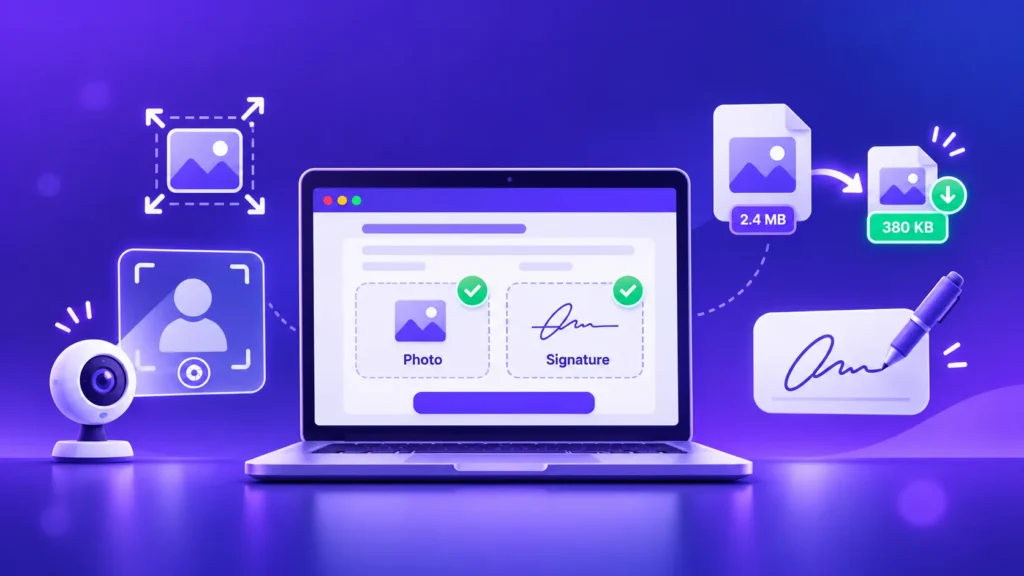
Filling an online government exam or job application and stuck on the photo and signature upload? It trips up lakhs of applicants every year, and in 2026 the rules have quietly changed: many exams now capture your photo live, while your signature still needs an exact file size. Here’s what changed, the sizes you need, and how to get your photo and signature right in seconds — free, with nothing uploaded to any server.
What Changed in 2026: Live Photo Capture
Here’s the big update most guides haven’t caught up with. A number of major exams, including SSC, have moved to live photo capture in their latest application cycles. Instead of uploading a passport-style photo, you take it live through the application module using your webcam or phone camera.
What that means for you: for those exams, you may not need to resize a photo at all. Just sit in good, even light with a plain background. But this is not true for every exam — plenty still ask you to upload a photo. So the golden rule is: always check your own exam’s official notice for the exact requirement, because they vary between exams and change between cycles.
Your Signature Is Still Uploaded — and It Has Strict Limits
Even on exams that capture your photo live, you almost always still have to upload your signature as a file, and this is where most applications get rejected.
Typical signature requirements (always confirm against your exam’s notice):
- Format: JPEG / JPG
- File size: around 10 to 20 KB
- Dimensions: roughly 4.0 cm × 2.0 cm (often listed as about 140 × 60 pixels)
How to Resize Your Signature (Step by Step)
- Sign in dark ink on plain white paper, then photograph or scan it.
- Crop tightly to just the signature.
- Set the exact dimensions your exam asks for with our free Image Resizer.
- Bring the file size under the limit (for example 20 KB) with our free Image Compressor.
- Make sure it’s a JPG — if yours is a PNG, convert it with our Image Converter.
When a Photo Upload Is Still Required
Many exams and job portals still ask you to upload a passport-style photo. When they do, the typical rules are:
- Format: JPEG / JPG
- File size: around 20 to 50 KB
- Dimensions: as stated in your notice (commonly around 200 × 230 pixels)
To prepare it: resize the photo to the required dimensions, then compress it under the size limit. A plain light background and a clear, front-facing face avoid rejection.
Common Sizes at a Glance
Use these as a starting point, but always verify against your exam’s official notice:
| Upload | Typical Dimensions | Typical File Size | Format |
|---|---|---|---|
| Photo (when required) | ~200 × 230 px | 20–50 KB | JPG |
| Signature | ~140 × 60 px (4 × 2 cm) | 10–20 KB | JPG |
Tips to Avoid Your Form Being Rejected
- Use the exact format the notice asks for — usually JPG, not PNG.
- Stay under the maximum file size, but not so tiny that it looks blurry.
- Match the dimensions as closely as you can.
- Keep the signature dark on a clean white background.
- For a live photo, sit in bright, even light with a plain wall behind you.
All ImgFormats tools are free, work on any phone or computer, and process your files privately in your browser — nothing is ever uploaded to a server, so your documents stay yours.
Frequently Asked Questions
Do I still need to upload a photo for exam forms in 2026?
It depends on the exam. Several major exams, including SSC, now capture your photo live during the application, so you don’t upload one. Others still require a photo upload. Always check your exam’s official notice.
What size should my signature be for an online exam form?
Commonly a JPG of about 10 to 20 KB, roughly 4 cm × 2 cm (around 140 × 60 pixels). Confirm the exact numbers in your exam’s notice, then resize and compress to match.
How do I reduce my signature or photo to the required KB?
Resize it to the correct dimensions with a free resizer, then compress it to the exact size limit with a free compressor. Both can be done in your browser in seconds.
What format should the photo and signature be?
Almost always JPG (JPEG). If your file is a PNG, convert it to JPG before uploading.
My file is too big to upload. How do I shrink it without making it blurry?
Use a compressor and set the target size just under the limit. Good compression keeps a signature or photo clear while cutting the file size by more than half.