
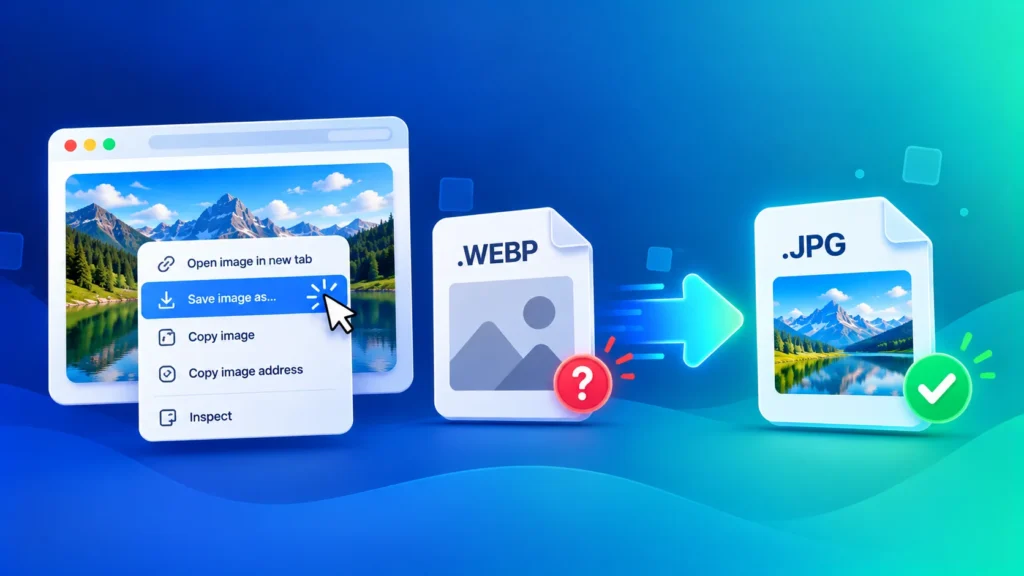
You right-click an image, hit “Save image as”, and instead of a JPG you get a .webp file that won’t open, won’t upload and won’t send properly. It’s one of the most common image frustrations today. Here’s why websites save images as WEBP, and how to save WEBP as JPG in seconds.
Why Do Images Save as WEBP?
WEBP is an image format created by Google that makes images around 25-35% smaller than JPG at similar quality. Smaller images make websites load faster, so most big websites — including Google, news sites and online stores — now serve their images as WEBP.
When you save an image, your browser simply downloads the file the website sent. If the site served WEBP, you get a .webp file. Your browser didn’t change anything; the image was WEBP all along.
Why Won’t My WEBP File Open or Upload?
Browsers handle WEBP perfectly, but many other apps and websites still don’t:
- Older photo editors — older versions of Photoshop, Paint and many free editors can’t open WEBP
- Online forms — job, exam and government portals usually accept only JPG or PNG
- Social media and messaging apps — many apps reject WEBP uploads, or WhatsApp may treat a WEBP file like a sticker or document
- Printing services — most print shops expect JPG files
- Older Windows versions — Windows 10 may need the free WebP Image Extensions from the Microsoft Store to show WEBP files
The fix for all of these is the same: convert WEBP to JPG, the format every device and app understands.
How to Save WEBP as JPG (Free, in Seconds)
- Save the WEBP image to your device as usual.
- Open our free WEBP to JPG Converter.
- Drag and drop your .webp files — or select several at once.
- Click convert and download your JPG images.
Everything happens locally in your browser, so your images are never uploaded to a server. No sign-up, no watermark, and you can convert WEBP to JPG in bulk.
Don’t Just Rename .webp to .jpg
A common trick online is to rename “image.webp” to “image.jpg”. This doesn’t convert the file. It only changes the name — the image inside is still WEBP. Some apps may open it by accident, but forms, editors and printers will often reject it or show an error.
To get a real JPG, the image data itself has to be converted. That’s exactly what the WEBP to JPG converter does.
Taking a Screenshot? There’s a Better Way
Screenshotting a WEBP image is another popular workaround, but it lowers quality: you capture your screen’s resolution, not the original image, and you often get borders or cropping. Converting the saved file keeps the original size and detail.
WEBP to JPG or WEBP to PNG?
| Convert to | Choose It When | File Size |
|---|---|---|
| JPG | Photos, forms, WhatsApp, printing, sharing | Smaller |
| PNG | Logos, graphics, images with a transparent background | Larger |
JPG doesn’t support transparency, so a logo with no background will get a solid background when converted to JPG. For those images, use our WEBP to PNG Converter instead.
Does Converting WEBP to JPG Lose Quality?
Only very slightly. At a quality setting of 85-95%, the JPG looks virtually identical to the WEBP. The JPG file will usually be a bit larger — that’s normal, because JPG compresses less efficiently than WEBP.
Need the JPG under a size limit, like 100KB or 200KB for an application form? Run it through our Image Compressor after converting, or set exact dimensions with the Image Resizer.
Got an AVIF File Instead?
Some websites now serve images in AVIF, an even newer format with the same problem. If your saved image ends in .avif, use our AVIF to JPG Converter. For any other format, our all-in-one Image Converter handles JPG, PNG, WEBP, AVIF, HEIC and more.
Frequently Asked Questions
How do I save a WEBP image as JPG?
Save the image as usual, then convert it with a free WEBP to JPG converter. The conversion takes a few seconds and works on any device.
Why does Chrome save images as WEBP?
Chrome saves whatever format the website served. Many sites use WEBP to load faster, so that’s the file you get.
Can I just rename .webp to .jpg?
No. Renaming only changes the file name, not the image format. Many apps and forms will still reject it. Convert the file properly instead.
Can I convert multiple WEBP files to JPG at once?
Yes. Our WEBP to JPG Converter supports bulk conversion, so you can convert a whole batch in one go.
Is it safe to convert WEBP to JPG online?
With imgformats, yes. The conversion runs entirely in your browser, and your files never leave your device.
Should I use WEBP on my own website?
Yes. WEBP is ideal for websites because it’s small and fast. Convert your existing images with our JPG to WEBP converter — just keep JPG copies for sharing and printing.