
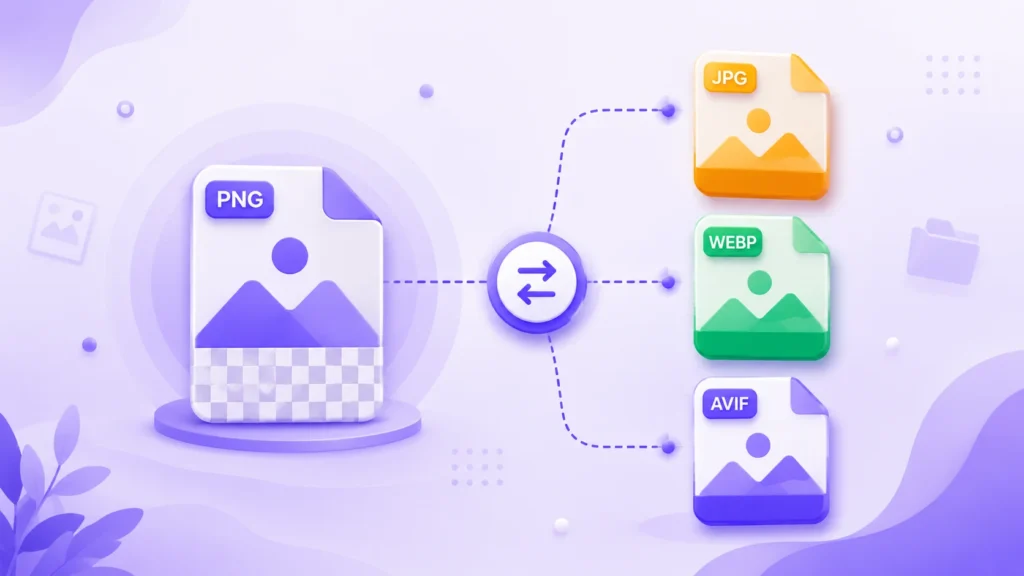
PNG is one of the most widely used image formats but it isn’t always the right choice. Here’s when to convert PNG to another format, and the fastest way to do it.
Why PNG Isn’t Always the Best Format
PNG (Portable Network Graphics) is a lossless format, meaning it preserves every pixel of detail with no compression artifacts. That makes it perfect for screenshots, logos, and images with transparency or sharp text. But this quality comes at a cost: PNG files are typically 2-5x larger than an equivalent JPG or WEBP image.
If you’re uploading a PNG photo to a website, sending it by email, or attaching it to a job application, that extra file size can slow things down or hit upload limits.
When to Convert PNG to Another Format
PNG to JPG
Best when you have a photo (not a graphic or screenshot) saved as PNG. Photos rarely need transparency, and JPG can reduce file size by 60-80% with barely any visible quality loss. Use our Image Converter to convert PNG to JPG directly in your browser — no upload required.
PNG to WEBP
The best choice for websites. WEBP supports transparency (unlike JPG) while still compressing far better than PNG often 25-35% smaller than an equivalent JPG, and dramatically smaller than the original PNG. This directly improves page load speed and Core Web Vitals scores.
PNG to AVIF
If you want the smallest possible file size while keeping transparency and quality, AVIF is the newest and most efficient option, supported by all major modern browsers.
PNG Converter — Quick Format Comparison
| Convert To | Best For | Transparency | Typical Size Reduction |
|---|---|---|---|
| JPG | Photos, no transparency needed | No | Up to 80% smaller |
| WEBP | Websites, needs transparency | Yes | Up to 70% smaller |
| AVIF | Maximum compression | Yes | Up to 85% smaller |
How to Convert a PNG File
Drop your PNG file into our Image Converter, choose your target format (JPG, WEBP, or AVIF), and download instantly the entire process runs in your browser, so your image is never uploaded anywhere. Need to shrink the file size further without changing the format? Try our Image Compressor instead.
Frequently Asked Questions
Will converting PNG to JPG lose quality?
Yes, JPG uses lossy compression, but at high quality settings (80-90%) the difference is rarely visible to the eye — while the file size drops significantly.
Does converting PNG to WEBP keep transparency?
Yes. Unlike JPG, WEBP fully supports transparent backgrounds, making it a safe PNG replacement for most use cases.
Can I convert multiple PNG files at once?
Yes, our Image Converter supports bulk conversion drop in as many PNG files as you need and download them together as a ZIP.