
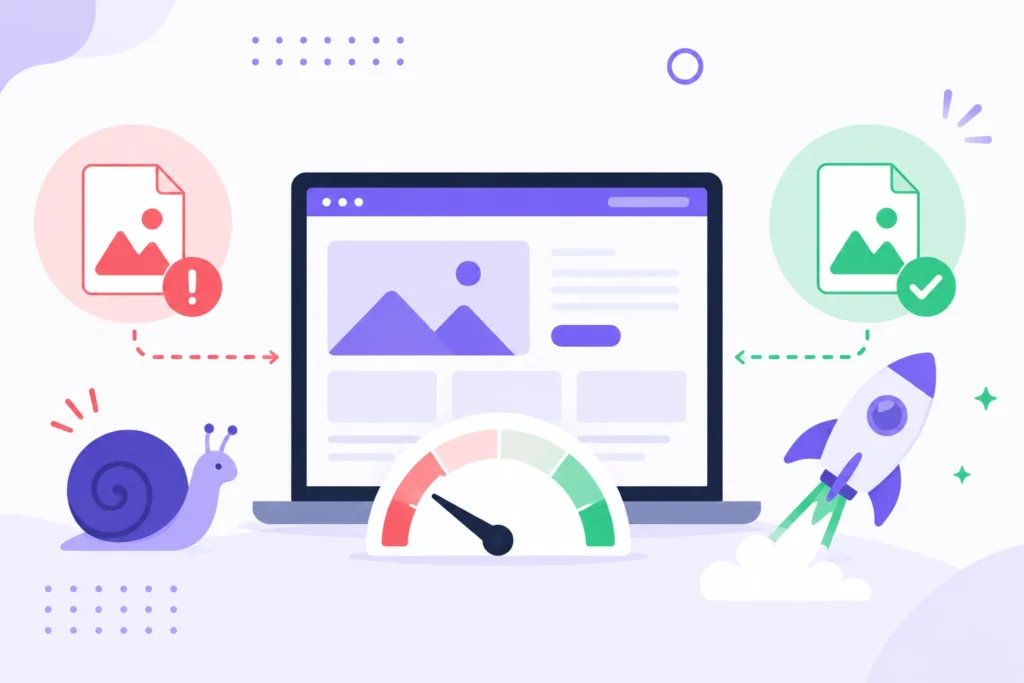
Images Are Usually the Real Bottleneck
A single photo straight out of a modern phone camera can be 4–8 MB. Multiply that by every product photo, blog header, or gallery image on a page, and you’re forcing visitors to download tens of megabytes before the page even finishes rendering. Google’s Core Web Vitals — specifically Largest Contentful Paint (LCP) — directly measures how long your biggest visible element (usually an image) takes to load.
Slow LCP doesn’t just hurt user experience. It affects search rankings, bounce rate, and — for e-commerce sites — conversion rate.
The Fix: Compress Before You Upload
You don’t need to sacrifice visual quality to fix this. Modern compression can shrink a photo by 70–90% with almost no visible difference. The key is compressing images before they go on your site, not relying on a CMS plugin to do it after the fact (which often adds server load anyway).
Our Image Compressor does this instantly in your browser — drop in your images, adjust the quality slider, and see the exact size reduction before you download. No upload, no waiting on a server queue.
Bonus: Switch to a Modern Format
Beyond compression, switching from JPG/PNG to WebP or AVIF can cut file size even further while keeping the same visual quality — these formats are now supported by all major browsers. You can convert your existing image library in bulk using our Image Converter.
Quick Checklist for Faster Pages
- Compress every image before uploading to your site
- Use WebP or AVIF instead of JPG/PNG where possible
- Resize images to the actual display size — don’t load a 4000px image into a 400px box
- Avoid BMP or uncompressed formats entirely on the web
Frequently Asked Questions
How much can compression actually reduce file size?
Typically 60–90%, depending on the original image and format, with little to no visible quality loss.
Does image size really affect SEO?
Yes — page speed is a confirmed Google ranking factor, and images are usually the largest contributor to page weight.